Setting up a Rasberry Pi
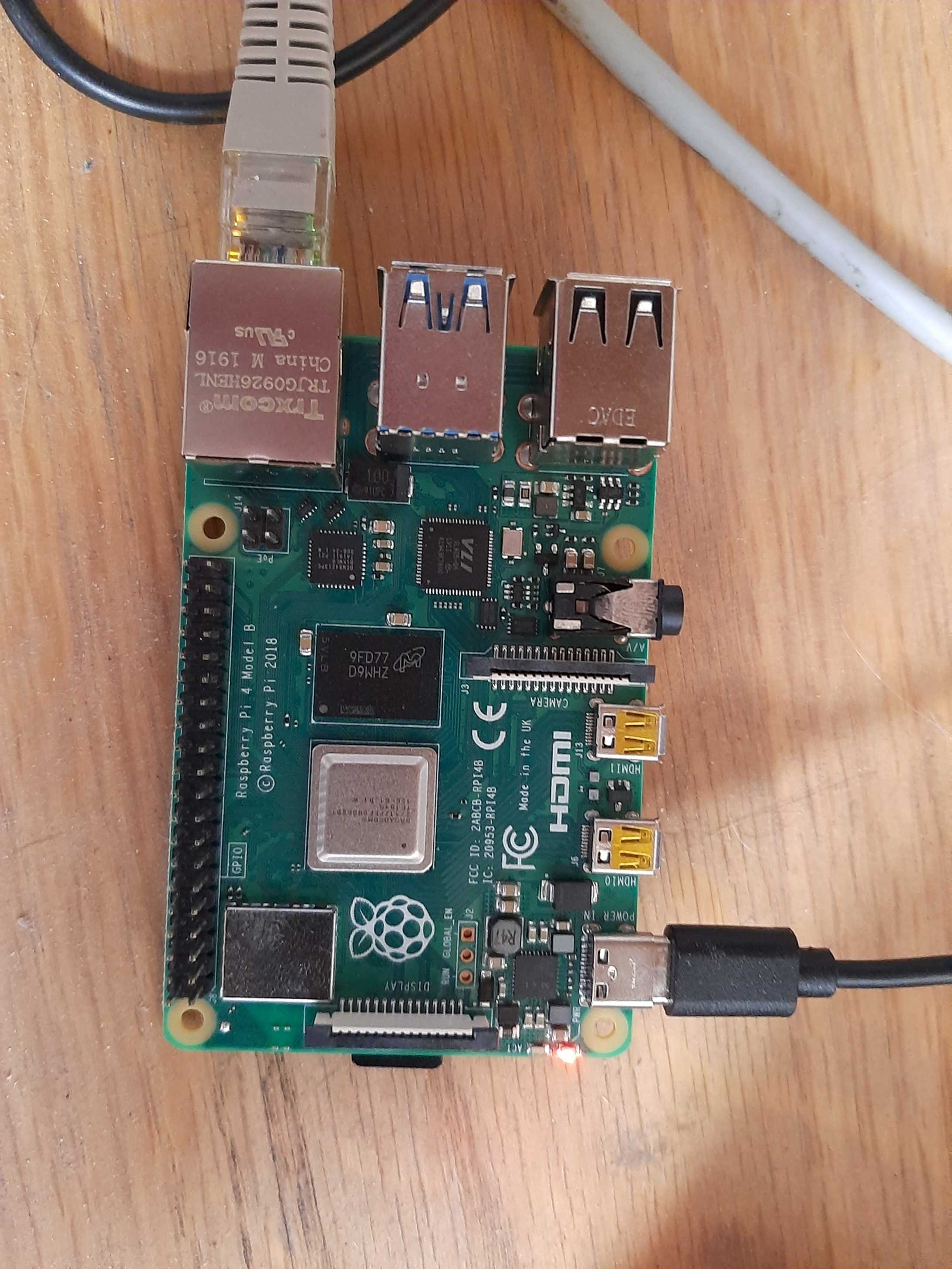
Repurposing my Raspberry Pi, a device I hadn’t touched since I initially installed an operating system on it back in April 2020. My goal was to turn it into a web server. I naively assumed that I could plug it into my home router, and it would seamlessly become part of my home network. To my disappointment, that wasn’t the case, and I found myself spending an excessive amount of time trying to locate the Pi within my network.
Eventually, I decided to power down the Pi and inspect its SD card. To my surprise, the operating system I had installed was still intact. However, here’s where things got interesting. The 32GB SD card was recognized as only 2GB. The operating system had taken up the entire space. I decided to format the card because I had plans to switch the operating system to the Linux Ubuntu distribution. Unfortunately, after formatting, the card stubbornly remained recognized as a 2GB card.
A quick online search revealed that this issue was not uncommon. It was a long-standing problem rooted in the early days of the Raspberry Pi, primarily attributed to SD card driver controller issues. Even though high-quality SD cards had mitigated many of these problems, they could still occasionally surface.
I bought a new SD card, and this time, I successfully flashed the Ubuntu 22.04 server operating system onto it. After inserting an Ethernet cable and powering it on, my Raspberry Pi magically appeared on my home network devices.
I turned to the Apache logbook I had created for guidance. This comprehensive reference provided a step-by-step guide for setting up an Apache web server. Thanks to my detailed notes, the installation and configuration of Apache were extremely smooth, and I encountered no significant issues.
The next step in my journey involved enabling online traffic to access the web server hosted on my local network. I decided to create a free DuckDNS domain name to simplify remote access. Afterward, I accessed my network’s administrative account and activated port forwarding. This configuration ensured that any incoming traffic would be directed to the Raspberry Pi’s IP address.
The result was nothing short of amazing! I had successfully transformed my Raspberry Pi into a fully functional web server, accessible from the wide world web!